

Why I'm Switching From Alfred to Raycast
I was an Alfred power user for a long time, but there is a good reason for a change.

Alfred and Raycast are productivity apps for Mac that act as a spotlight search with enhanced functionality and customization.
After my recent post about how I use Alfred as my personal assistant, somebody suggested I try Raycast.
I was skeptical, but Raycast proved to be the better version, and Alfred's time may be long gone.

Leaving Alfred
I have every reason to stay with Alfred as my top productivity app.
I invested in the power pack and customized every part to fit routines.
It was a great solution, but trying Raycast has highlighted some issues I had with Alfred that I’ve ignored.
Looks
While Alfred does offer many themes to choose from, most of them look outdated.
The default look of Raycast looks more polished and fresh straight out of the gate.
Navigating
A big advantage Raycast has over Alfred is how it represents everything.
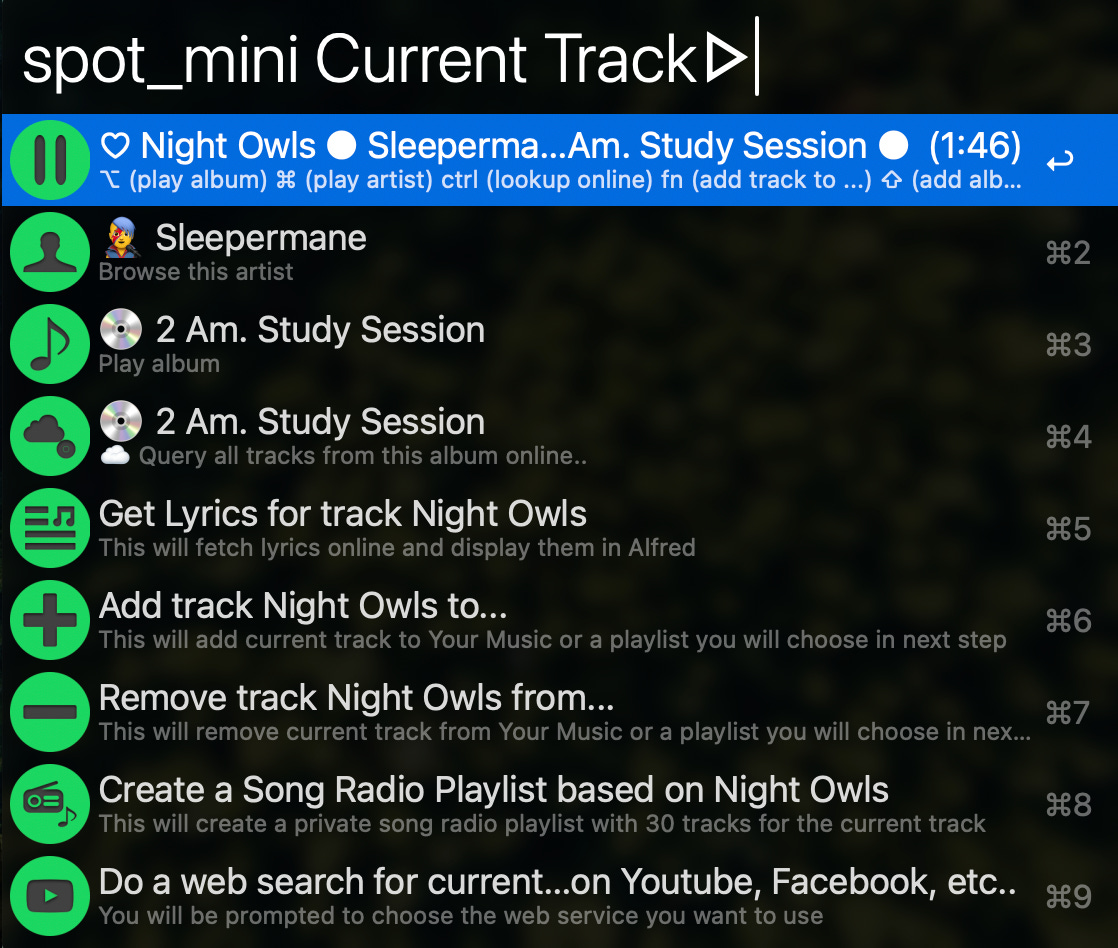
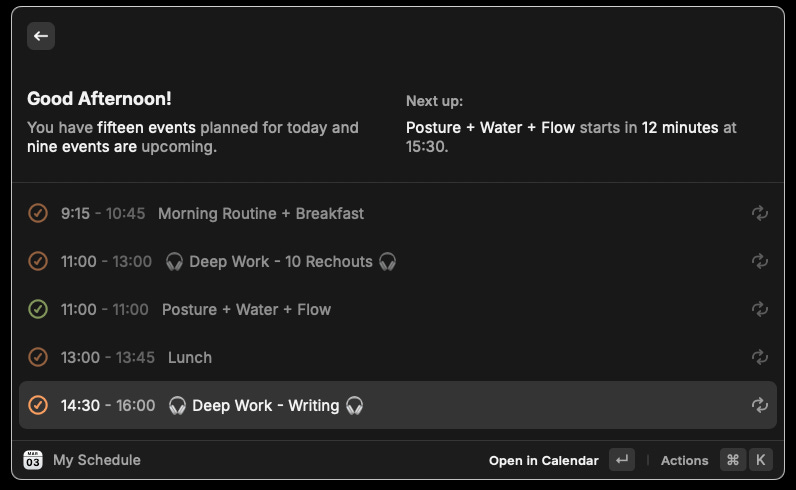
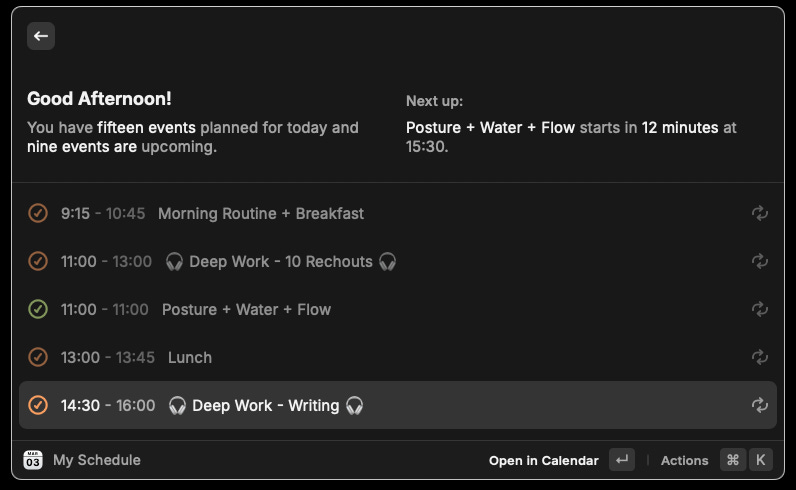
The Spotify extension shows you a large display of what is playing, and the “My Schedule” shortcut shows you a quick peek into your calendar without opening it.
Alfred seems limited to the displayed rows, which is fine but certainly less appealing.

Managing Workflows / Extensions
This was a big selling point for me because these are the heart of the apps.
Adding a workflow to Alfred had a bit of friction to it. You had to download it from a website, and many of them suddenly stopped working over the years.
You would also see the confusing workflow charts of each workflow and understand where you need to add the hotkey or when to update it.
But with Raycast, I installed all my favorite extensions from the Raycast command line within minutes.
The extension table clearly shows how to set up hotkeys and aliases for every action.
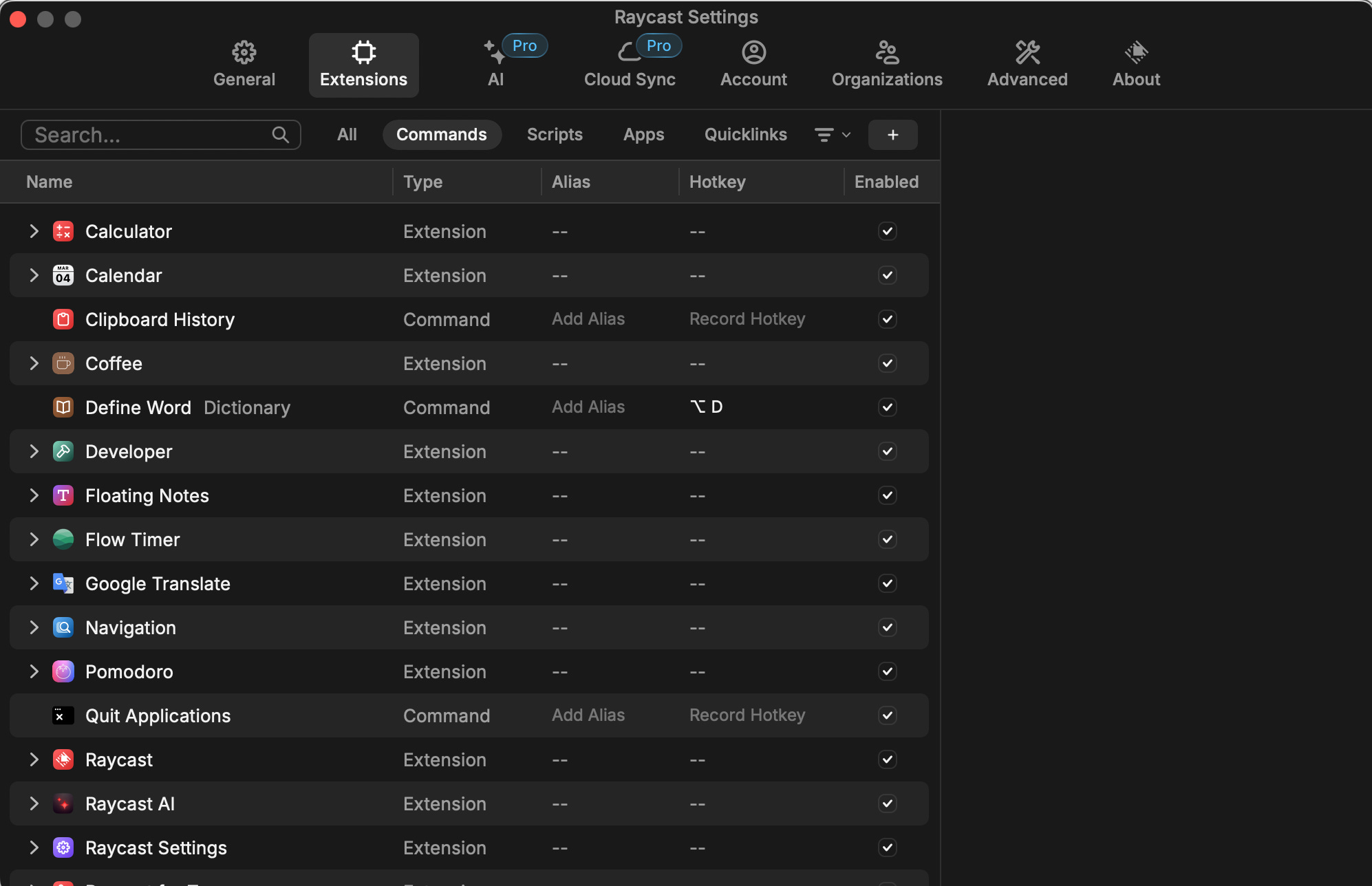
Setting it up was a fun and easy experience.
New Features
Here are some of the new extensions I’ve installed that I didn’t find on Alfred:
My Schedule: Raycast connects to my calendar and gives me a quick rundown of my events.
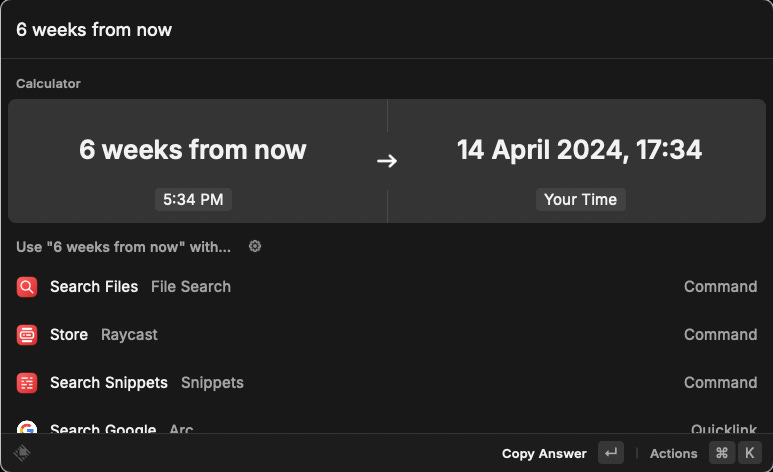
Smart Converter / Calculator: this feature can perform all the basic calculator tasks but also tell you the date “5 months from now” and how much are 50 dollars in euros. Very handy.
AirPods connector: Alfred has one, but it broke for me several times, and I couldn’t get it to work. Raycast’s one works seamlessly. I can connect my AirPods by typing Command+P.
Translate: Alfred's “translate” workflow sends you to the web. Raycast one translates everything within the app itself.
Floating Notes: show and hide cool-looking sticky notes.
Raycast also offers AI capabilities for those willing to pay for the “Pro” subscription, but I haven’t tried it yet.